

ItalianoEnglish
It opens straight onto the bubble. Lay the phone on a surface and it moves in two axes, like a bull's eye level; hold it upright against a door frame and it becomes a plumb line. There is no button for that, because gravity already says how you are holding it.
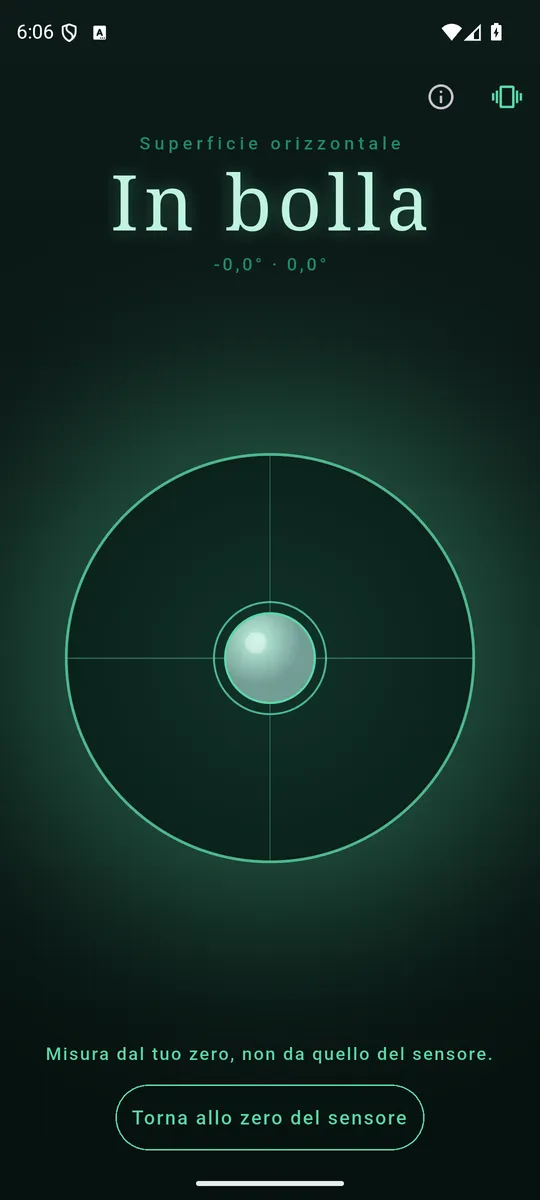
Inside the tolerance the number becomes a word. 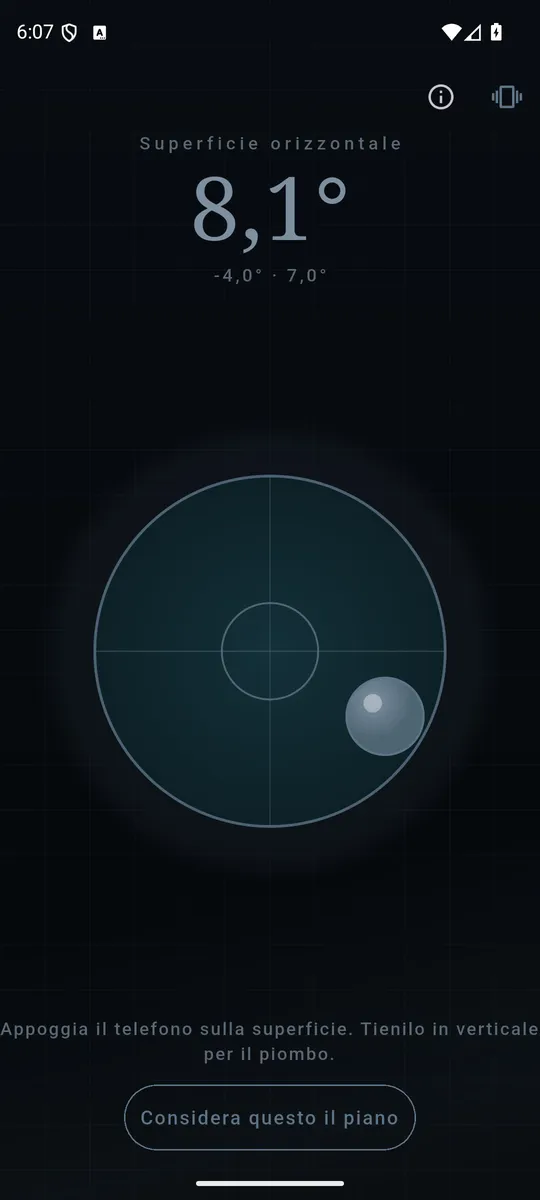
Two axes, not one number: they say which end to lift. 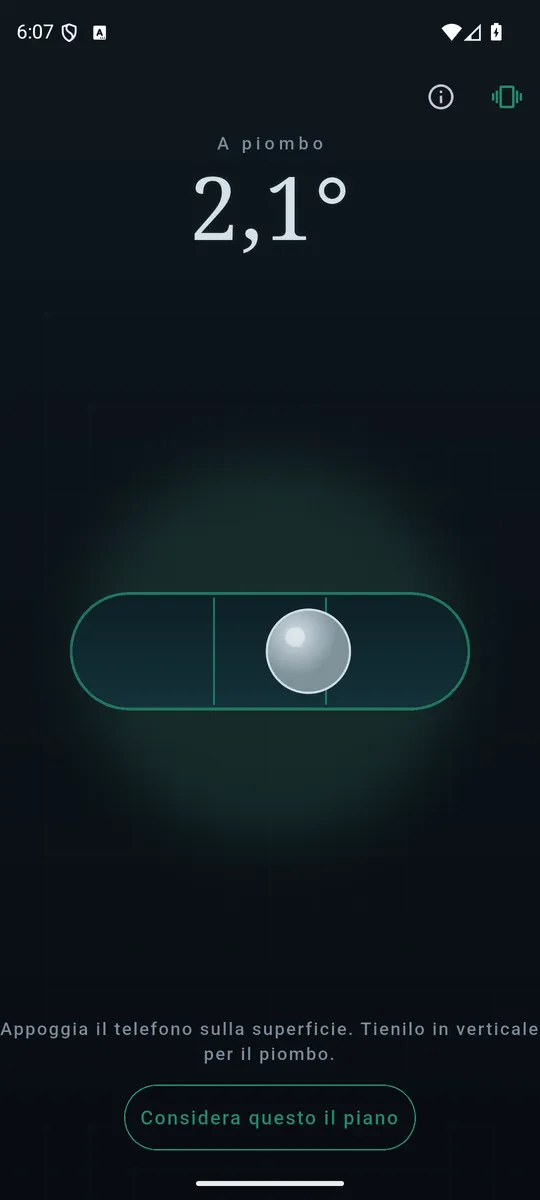
Held upright it becomes a plumb line, with nothing to switch.
What it does
- The tilt in degrees, two axes apart. Not one number: two, because what you want to know is which end to lift.
- Inside the tolerance the number becomes a word. "Level", and nothing else: that is the answer you opened the app for, not 0.08°.
- Two beats when you get there, one short tick when you leave. A shelf is levelled with your eyes on the shelf, not on the phone.
- Set your own zero. Rest the phone on a surface you know is true and tell it to call that level — the crooked table stops being a problem. Undo it whenever you like.
- In English and Italian, following the phone's language.
0.3°, not a flattering zero
The tolerance within which Level says "Level" is 0.3 degrees: the tolerance of a real 60 cm spirit level, not a number picked to make everything you put under it look straight. A wider threshold would hand out satisfaction and crooked shelves; a tighter one would turn accelerometer noise into a verdict that changes while you watch it.
When the sensor is missing, it says so
On a device with no accelerometer Level states it plainly, instead of showing a bubble parked in the middle that looks like an answer and is not one.
Your data stays yours
The measurement is the accelerometer and nothing else: no location, no network, no account, and readings never leave the device. Two permissions — Internet, which the ads need, and vibration for the haptic feedback.
How it is paid for
A banner at the bottom, away from the controls, and an occasional full-screen ad only after you got the bubble where you wanted it. No subscription, no feature held hostage.