
ItalianoEnglish
Your phone went in the water, or out in the rain, and now the sound comes out muffled: there is water left in the speaker grille. Press the button and the app plays fourteen seconds of low-frequency sweep that carries it over the edge.
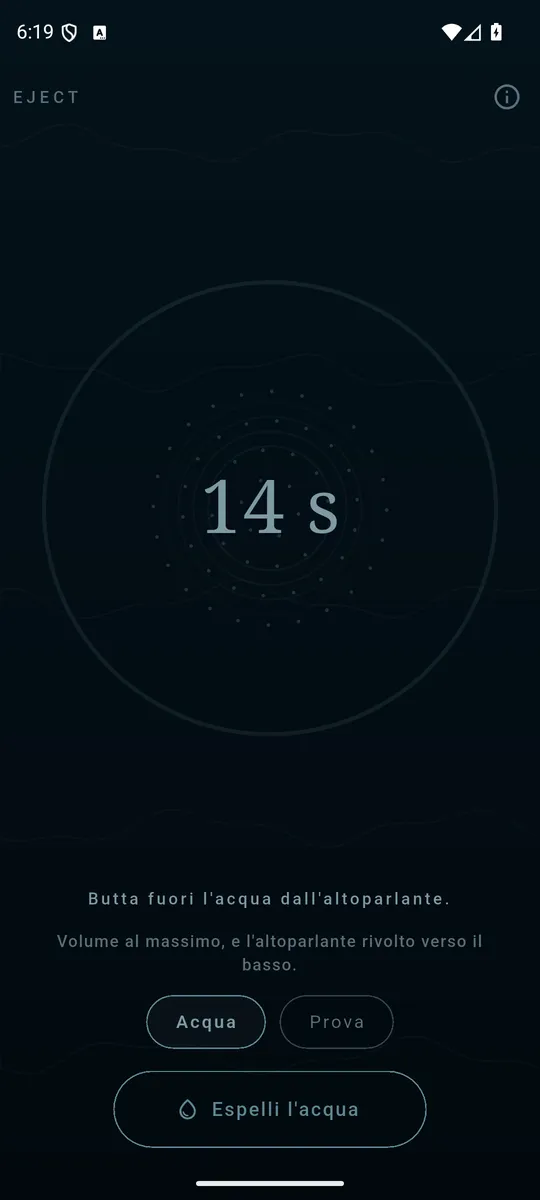
Volume all the way up, speaker facing down, and press. 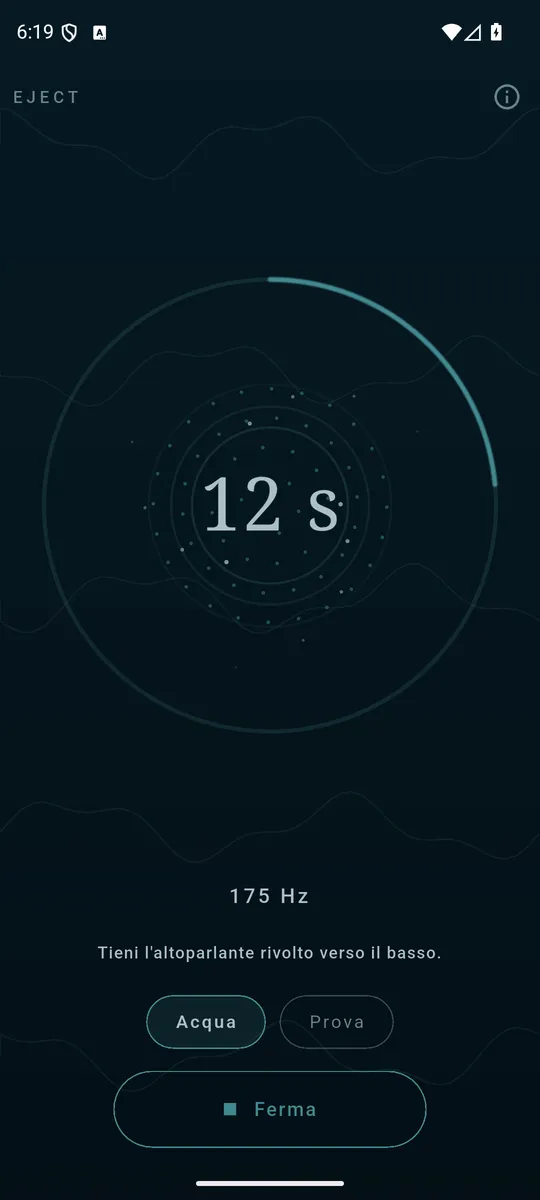
The rings are spaced by the frequency that is sounding. 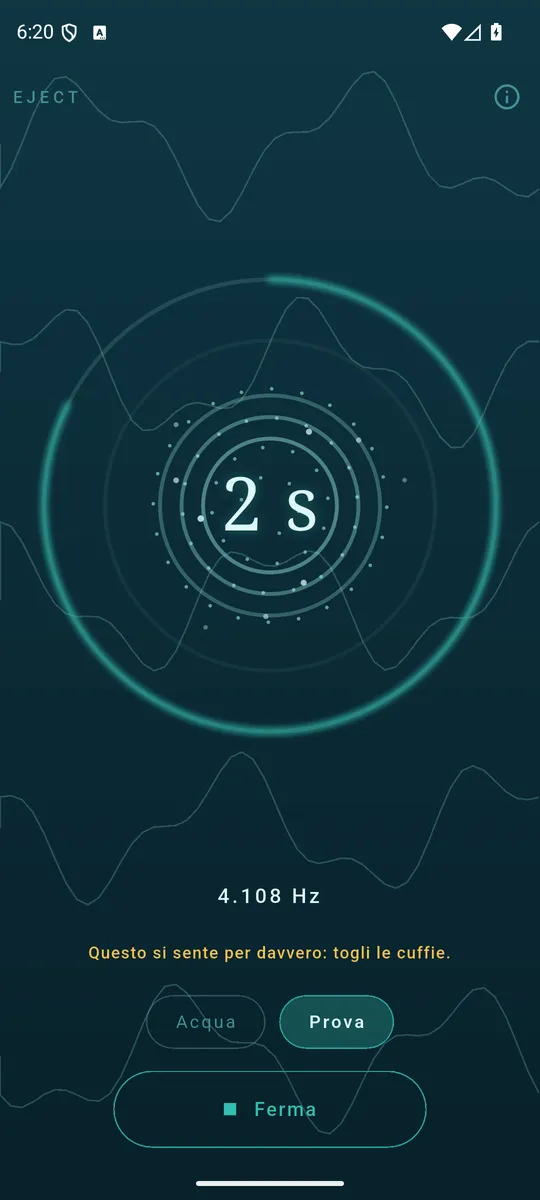
An audible climb says whether the speaker came back clear.
How to use it
- Turn the volume all the way up.
- Hold the phone with the speaker facing down.
- Press the button and wait for the countdown.
- Run it again if the sound is still muffled.
Why that sound and not another
The sweep sits between 100 and 230 Hz: that is the band where a phone speaker's membrane travels furthest, and travel is the only thing that moves a droplet. And the tone falls and climbs back in pulses rather than holding steady, because a continuous note lets the water settle where it is: it is the change that walks it towards the edge.
Two programmes
- Water — the low-frequency sweep that pushes the water out.
- Check — a climb across the audible band, to hear whether the speaker came back clear.
You can see it working
The screen is not a progress bar: the rings leaving the grille are spaced by the frequency sounding at that instant, and the drops leave as the run goes on. What you see is what is coming out of the speaker.
It is not a repair
Eject does not repair a wet phone and is not a substitute for drying it. It clears the water left in the speaker grille, which is the most common cause of muffled sound after a soaking — and it stops there, rather than letting anyone believe otherwise.
Your data stays yours
The app does not use the microphone: it makes a sound, it never listens to one. No account, no server of ours, no audio files in the package — every sound is computed as it plays. The only permission is Internet, and the ads need it.
How it is paid for
One banner anchored at the bottom, and that is all: no subscription, no programme held hostage.